# 🔒How to Access Your PaperCut Account
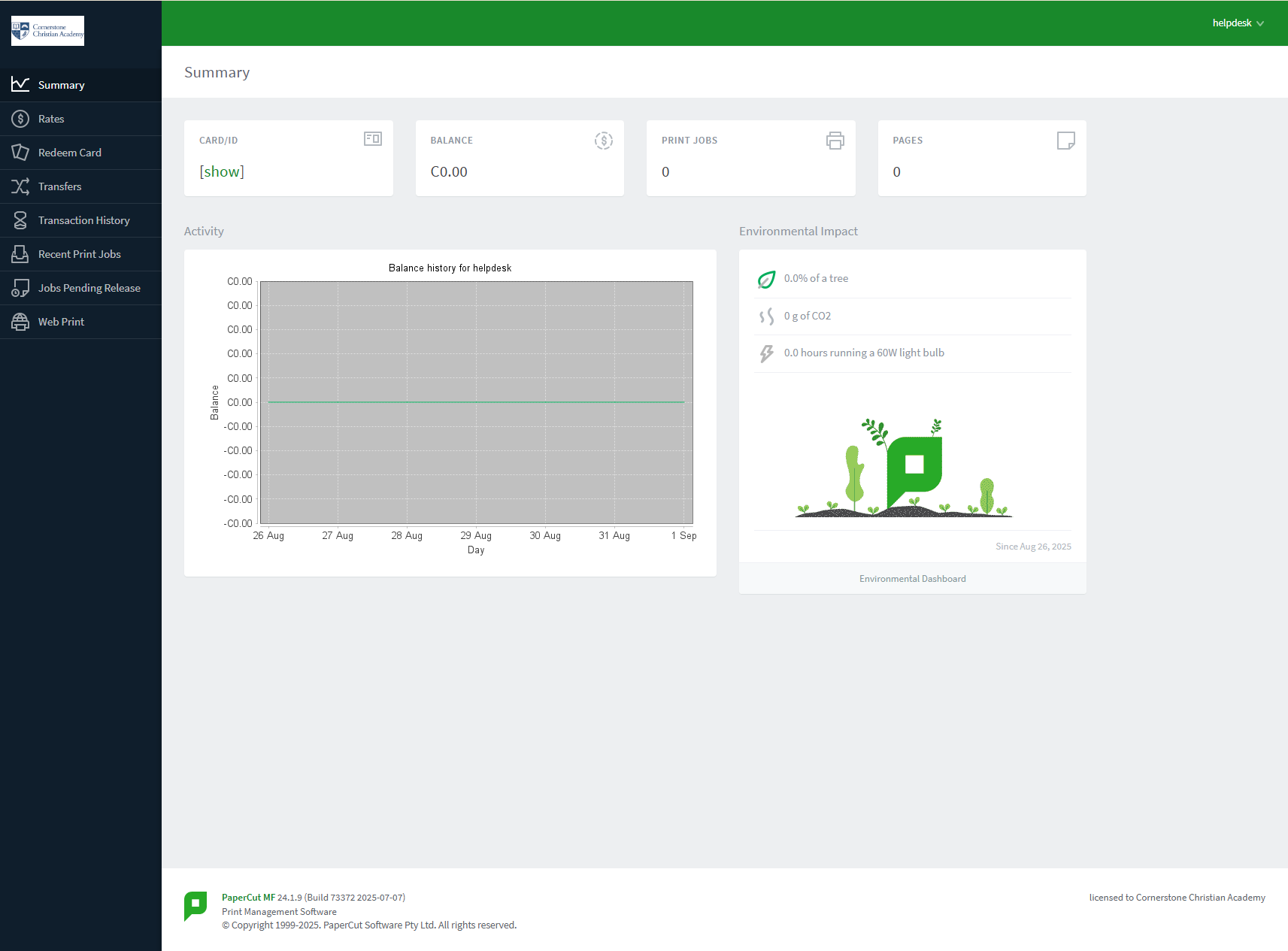
You can easily access your PaperCut account to **find your ID #**, check your print balance, see your environmental impact, and view your transaction history. We've made it simple by connecting it to your school's Google Workspace account.
---
### Logging In with Google
Follow these simple steps to access your account:
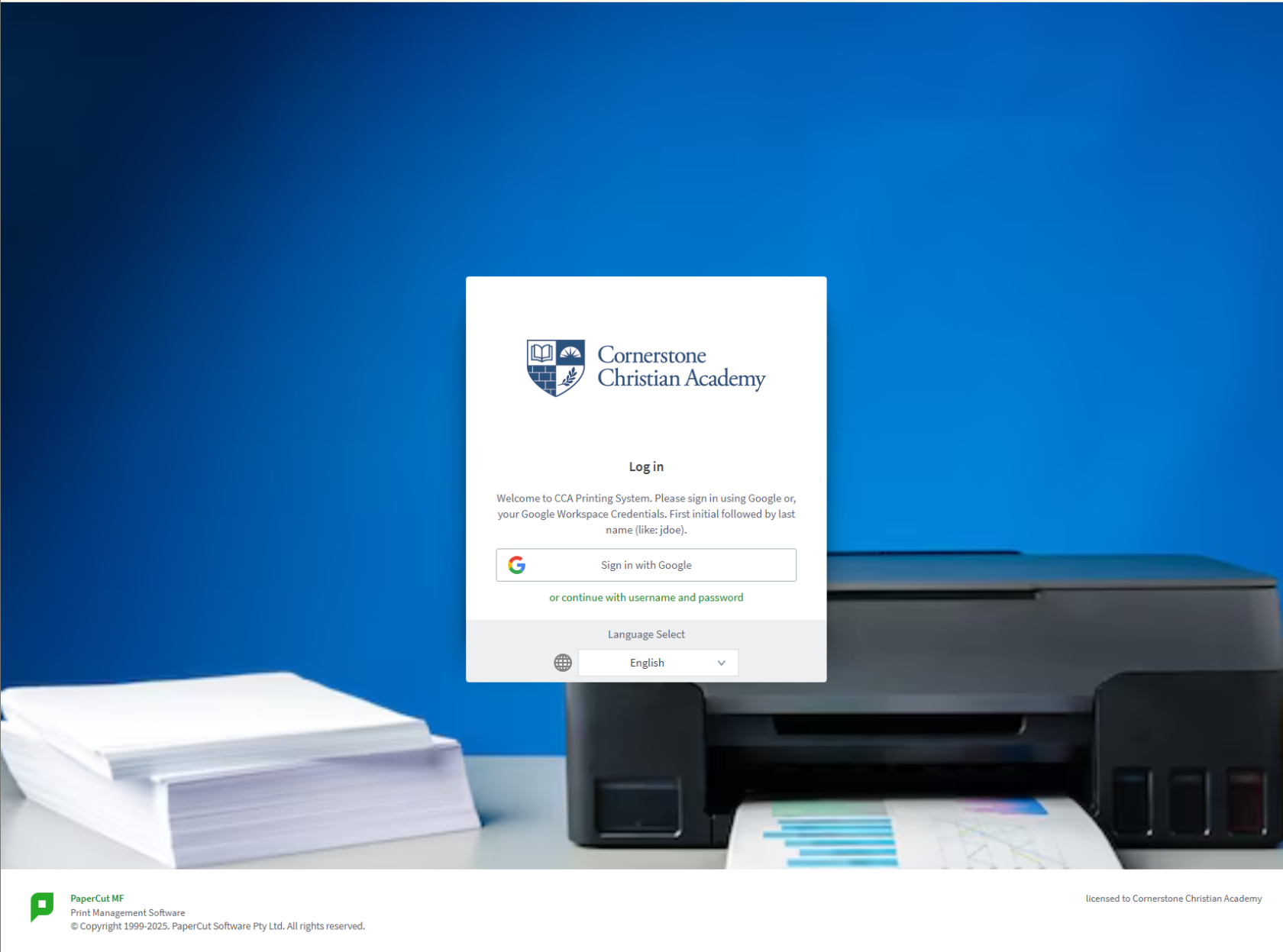
1. **Navigate to the PaperCut Portal:** Open your web browser and go to the following address:
[https://cca-print.wearecornerstone.com](https://cca-print.wearecornerstone.com)
2. **Use the Google Login Option:** On the login page, you don't need to enter a username or password. Simply click on the **"Sign in with Google"** button.
[](https://wiki.wearecornerstone.com/uploads/images/gallery/2025-09/Z3Oimage.png)
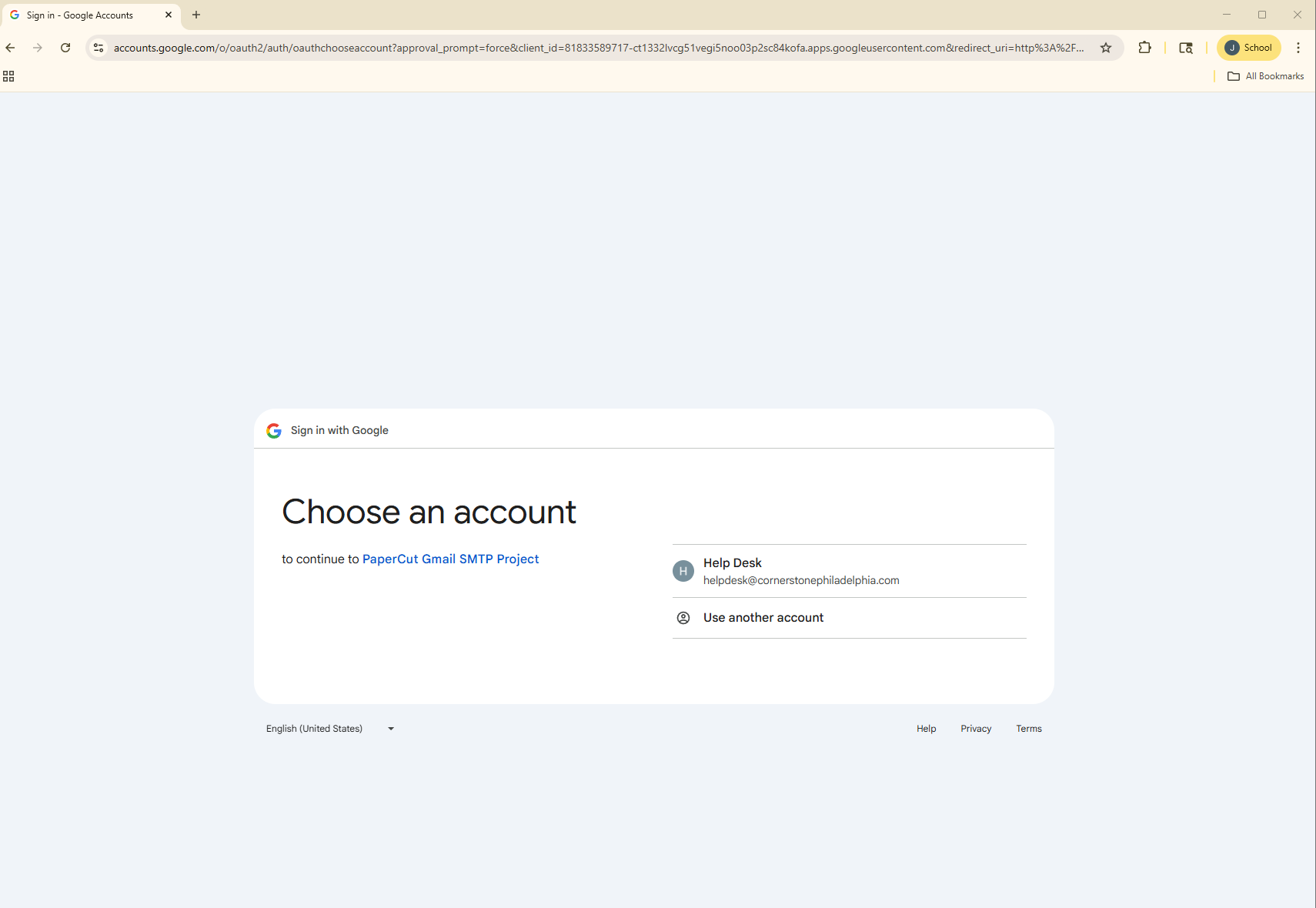
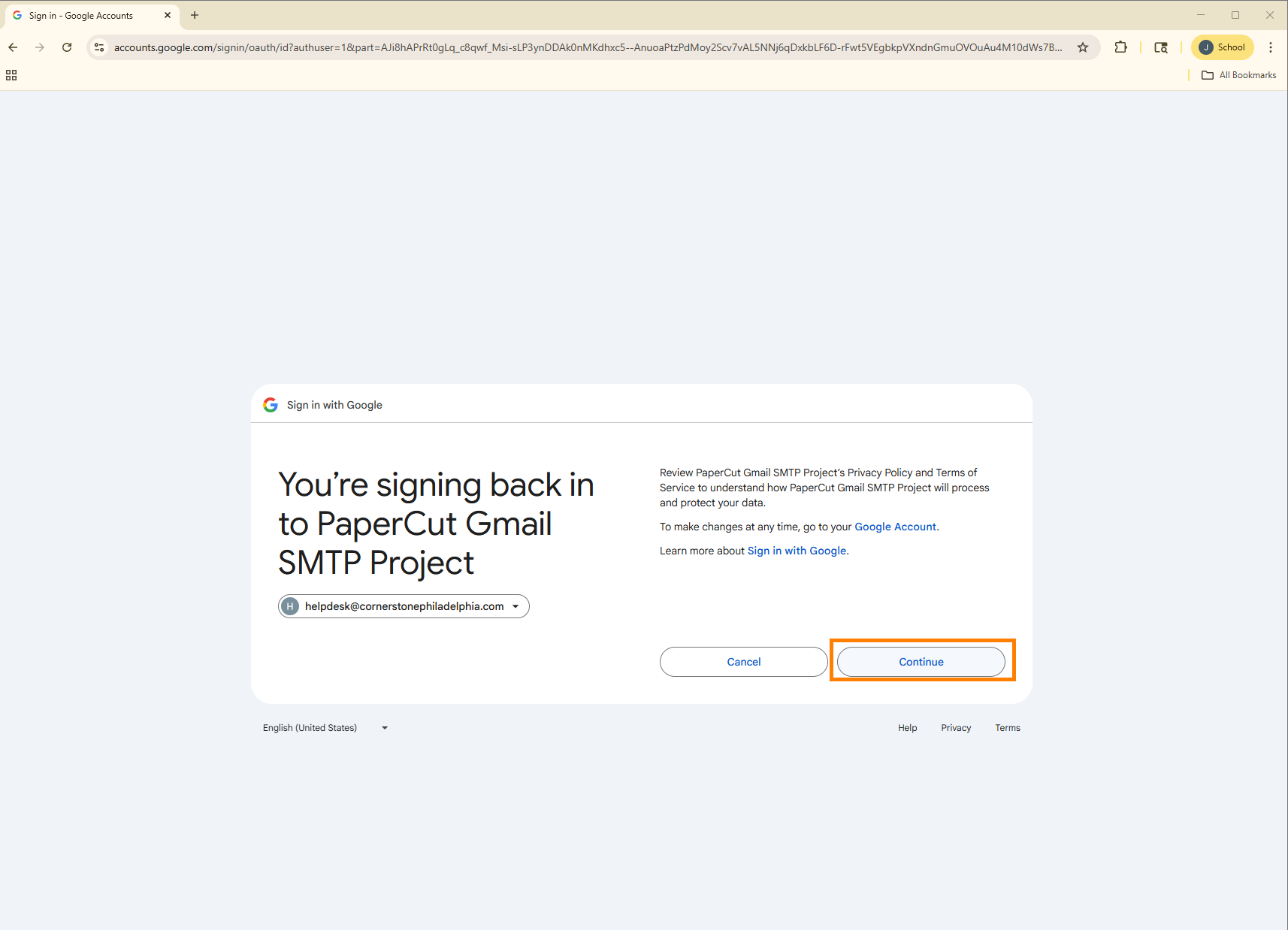
3. **Select Your School Account:** You will be redirected to a Google sign-in page. If you are already logged into your school Google account, you may just need to select it from a list. If not, please enter your Cornerstone Christian Academy email address and password.
[](https://wiki.wearecornerstone.com/uploads/images/gallery/2025-09/wg8image.png)
[](https://wiki.wearecornerstone.com/uploads/images/gallery/2025-09/qCrimage.png)
4. **Done!** You will be automatically logged into your personal PaperCut dashboard.
[](https://wiki.wearecornerstone.com/uploads/images/gallery/2025-09/yvXimage.png)