Just-In-Time (JIT) Admin
How to enable Just-In-Time Admin
JIT Admin Access on Device
Once configuration is pushed to devices,
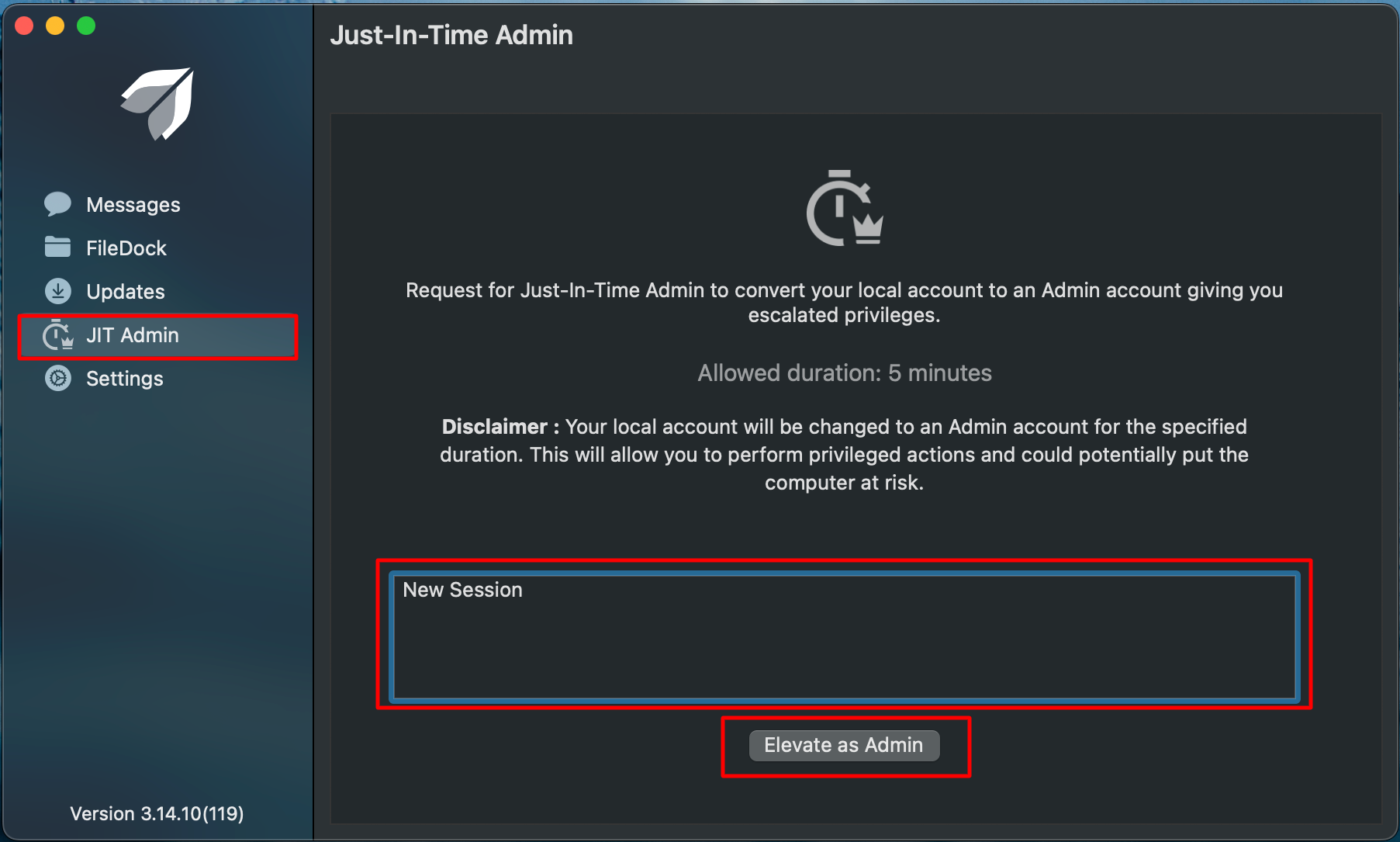
- Open the Scalefusion MDM Client (agent app for macOS) on the macOS device.
- On the left side menu, navigate to JIT Admin.
- In the text area, provide a justification as to why you are requesting admin privileges and click on the button Elevate as Admin.
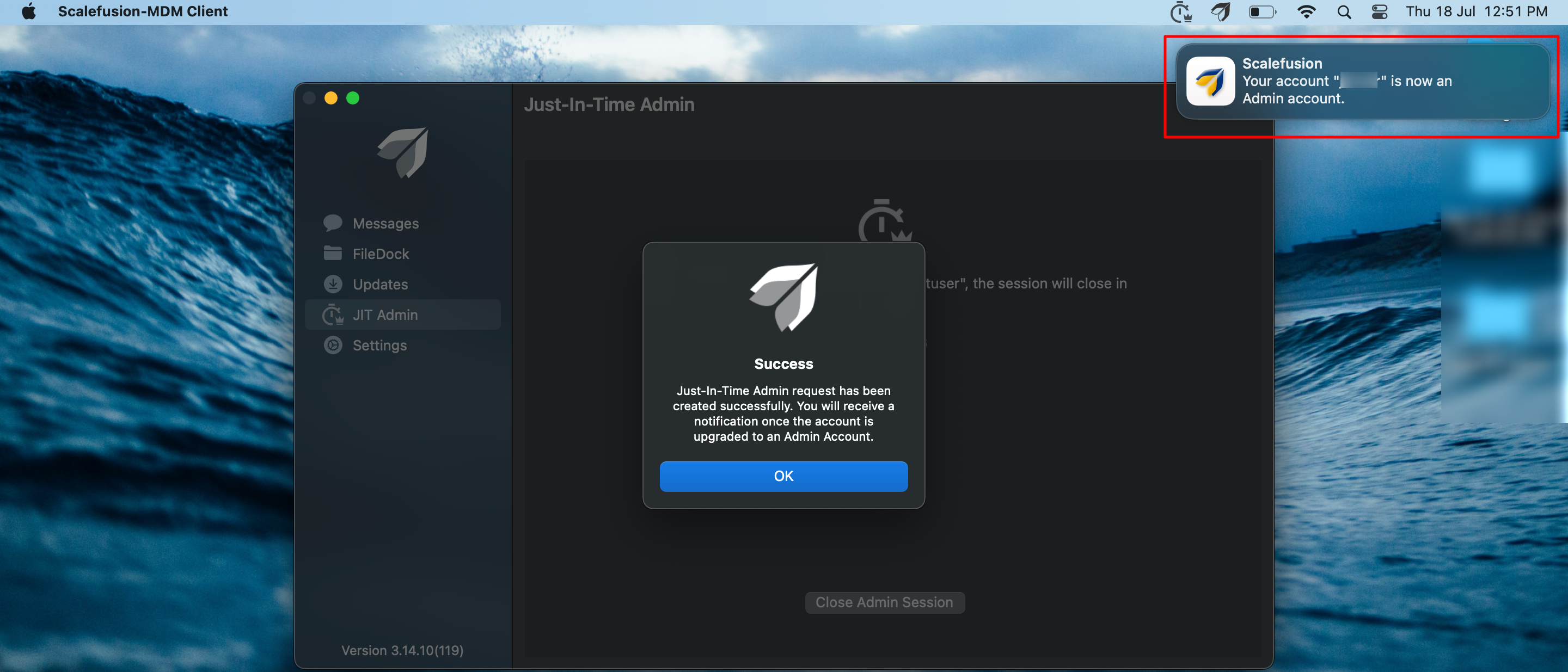
4. You will receive a success message.
5. Once the account is elevated to admin, a confirmation message will flash on the top right side of device.