🔒How to Access Your PaperCut Account
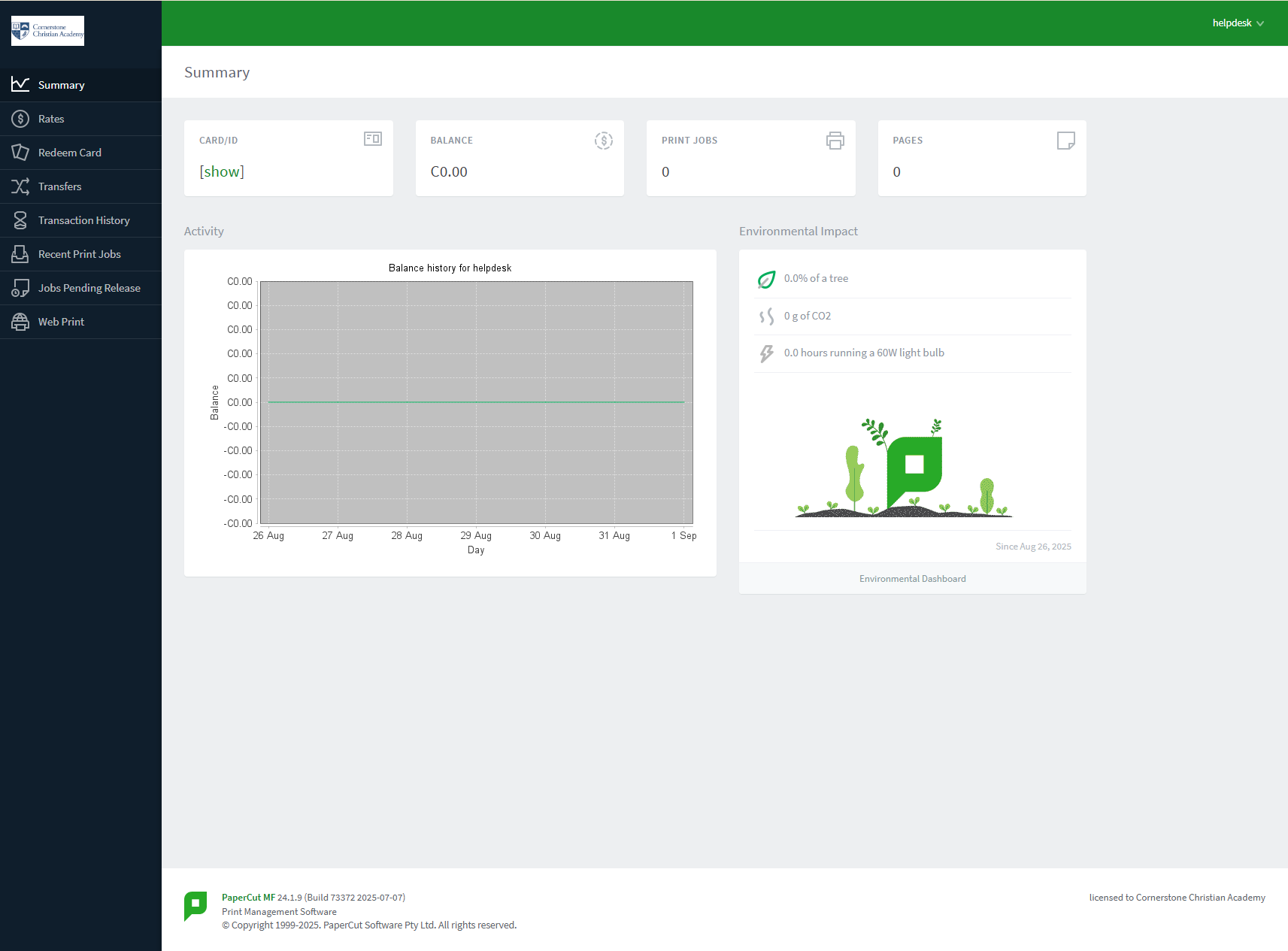
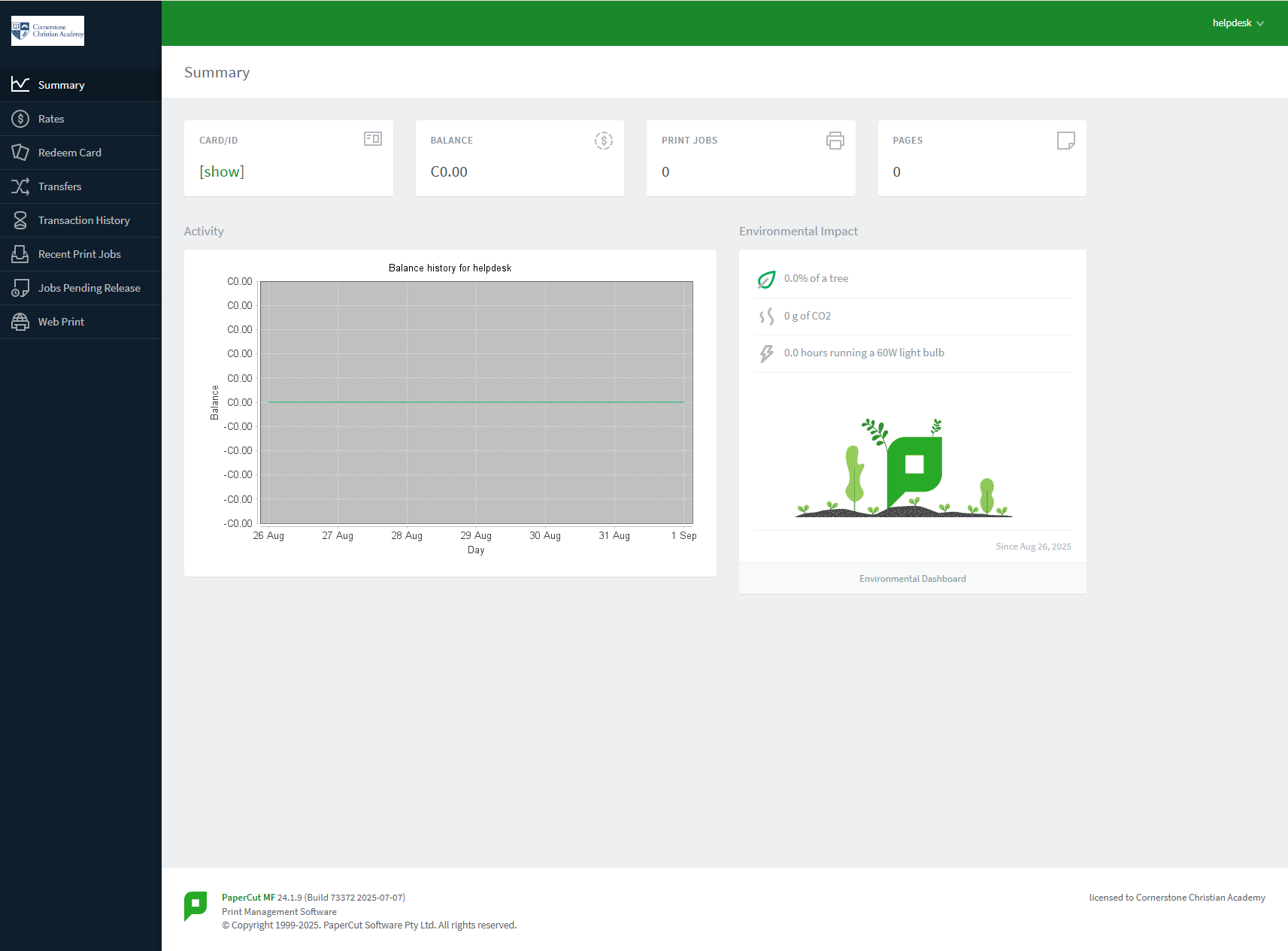
You can easily access your PaperCut account to find your ID #, check your print balance, see your environmental impact, and view your transaction history. We've made it simple by connecting it to your school's Google Workspace account.
Logging In with Google
Follow these simple steps to access your account:
-
Navigate to the PaperCut Portal: Open your web browser and go to the following address:
https://cca-print.wearecornerstone.com -
Use the Google Login Option: On the login page, you don't need to enter a username or password. Simply click on the "Sign in with Google" button.

-
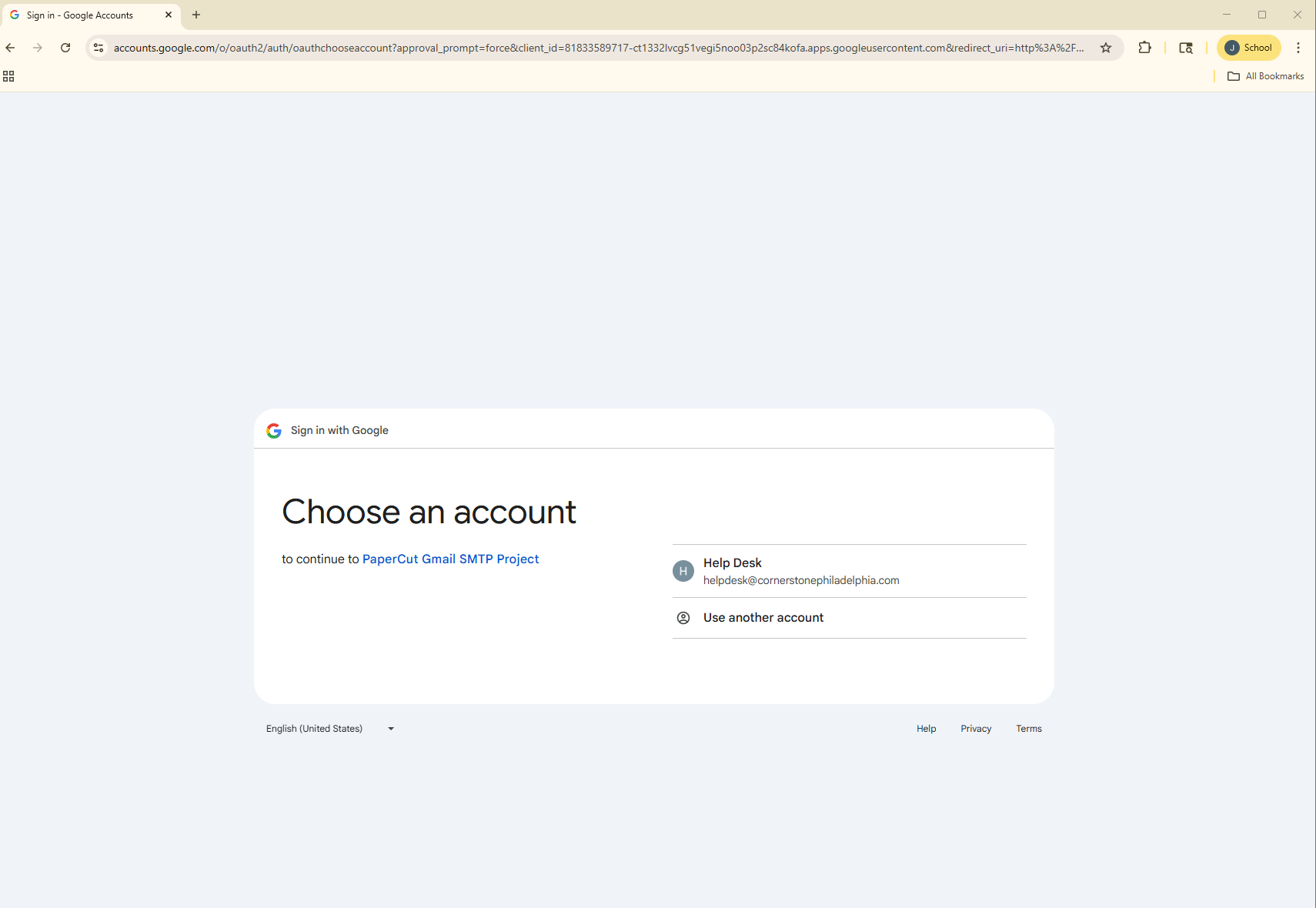
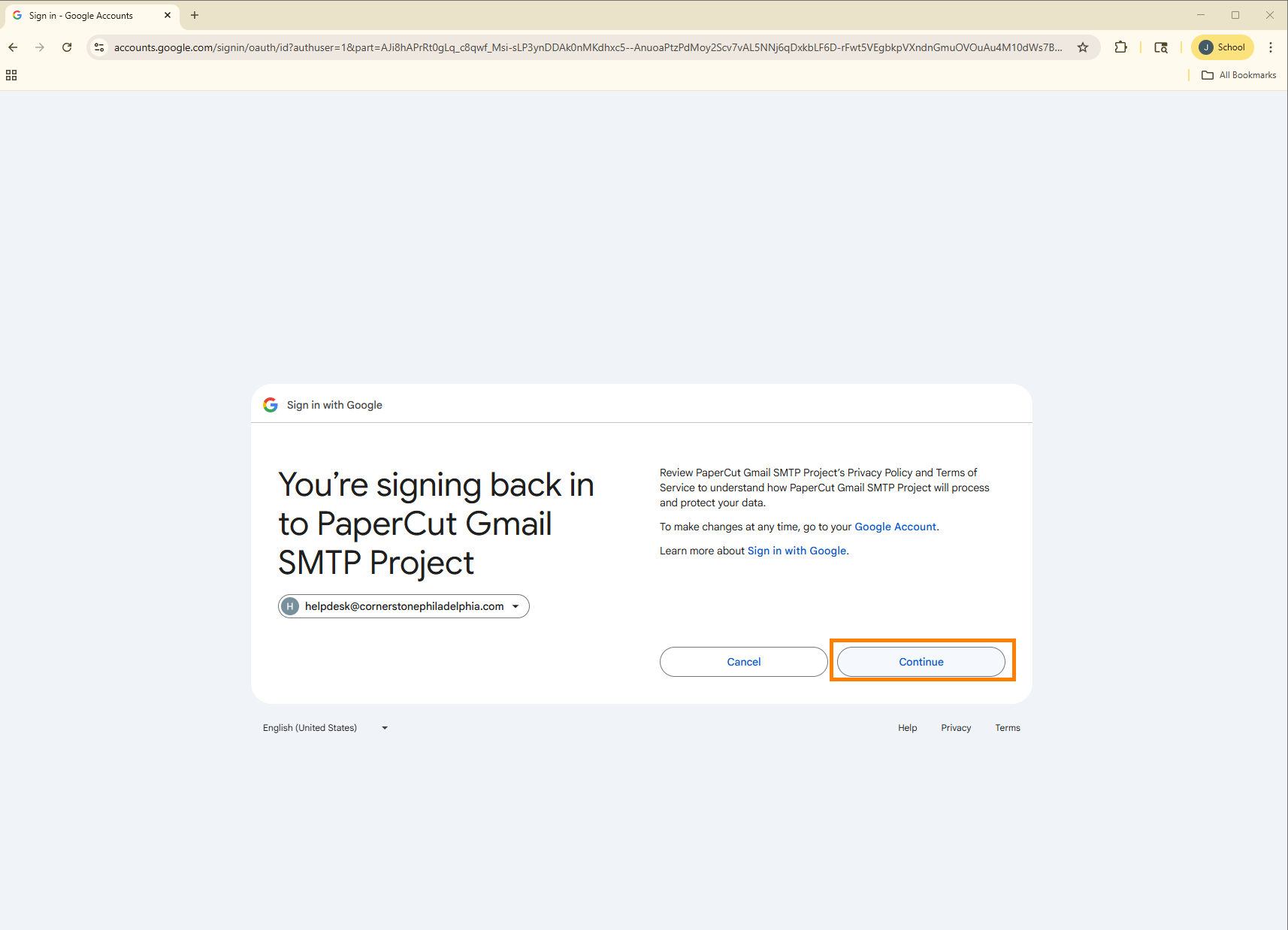
Select Your School Account: You will be redirected to a Google sign-in page. If you are already logged into your school Google account, you may just need to select it from a list. If not, please enter your Cornerstone Christian Academy email address and password.
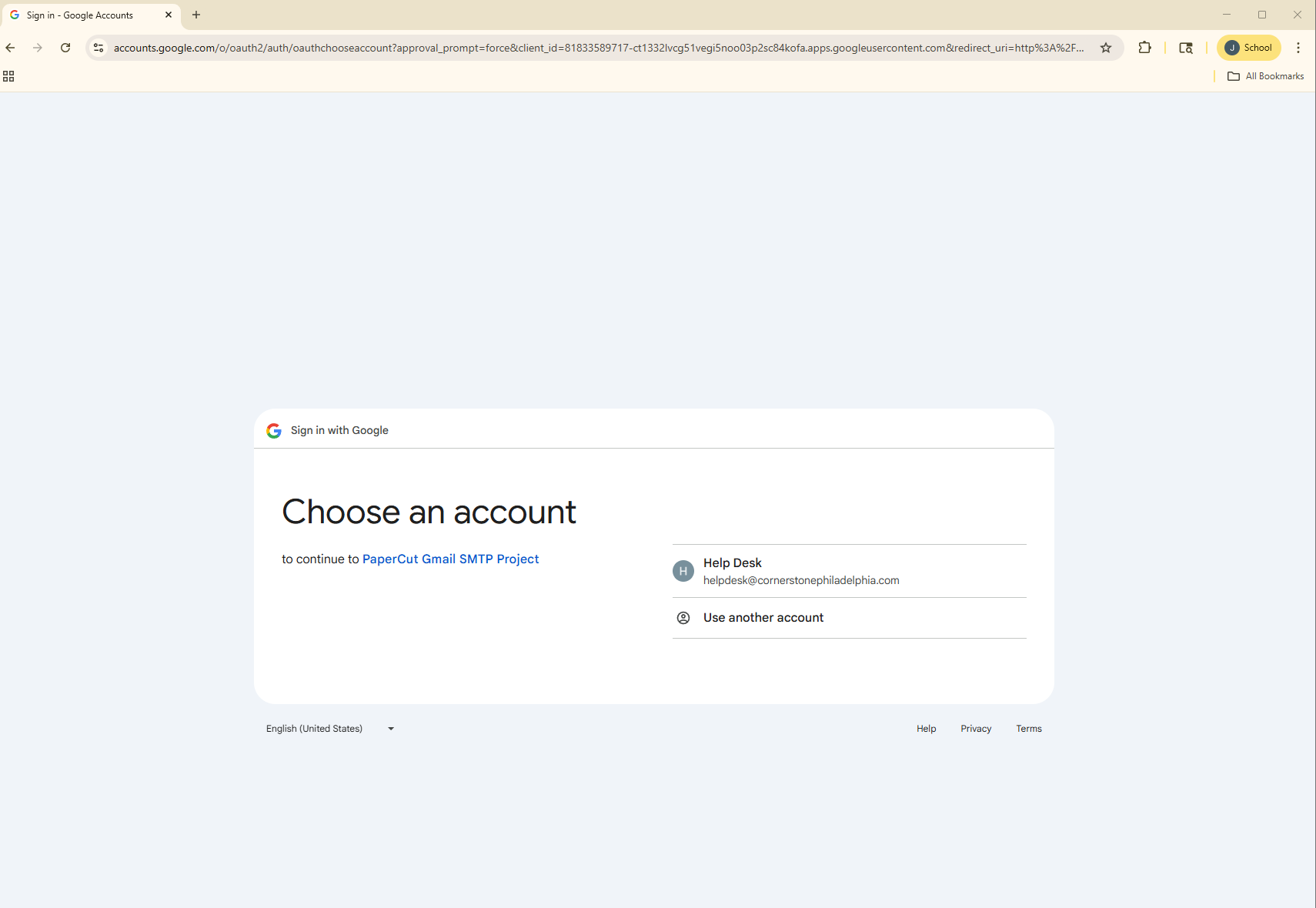
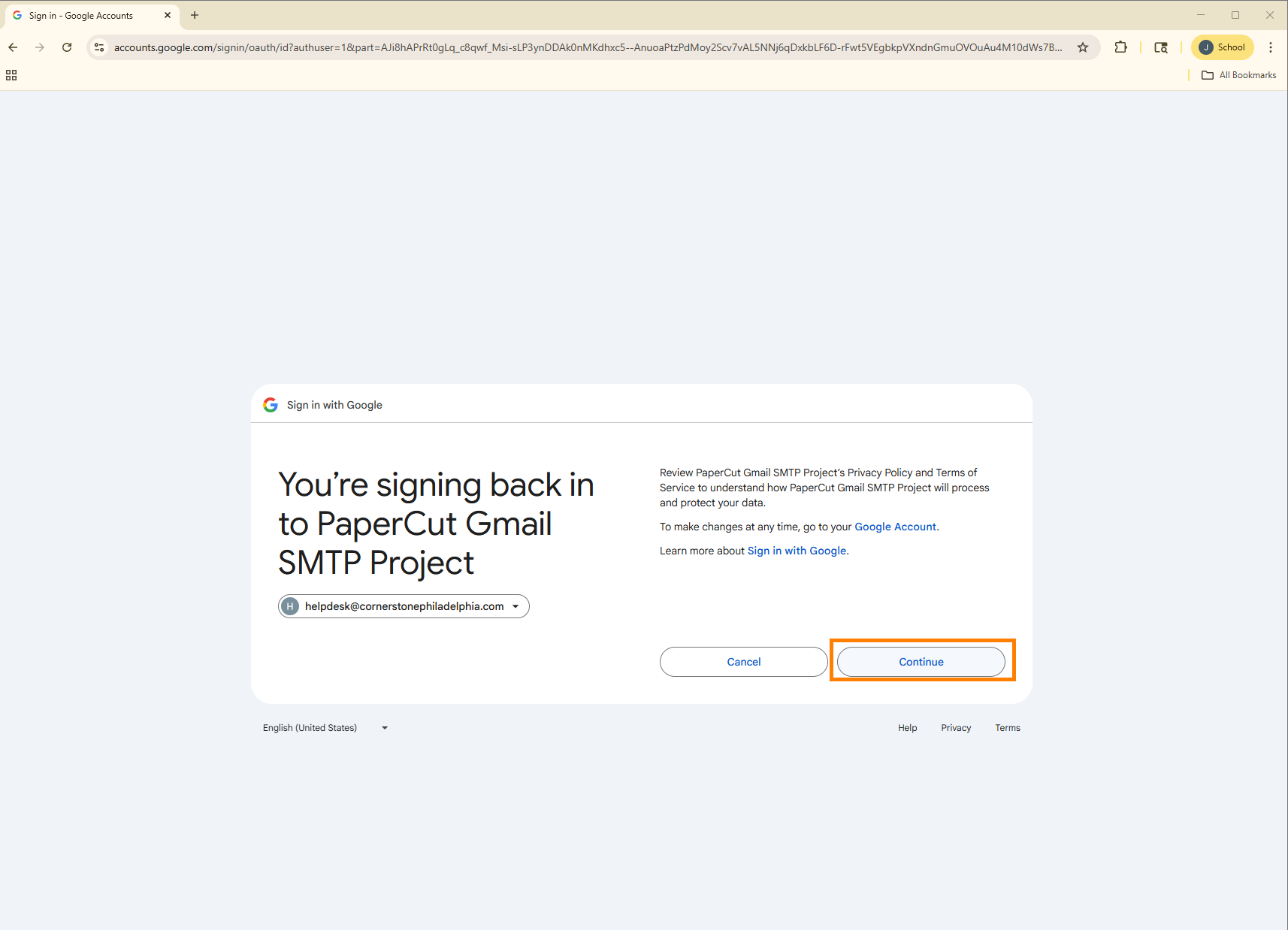
-
Done! You will be automatically logged into your personal PaperCut dashboard.