
How to login printer (New Staff)
Printer Sign in
There are 3 ways to login to the MFPs…
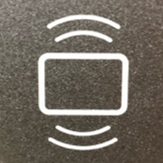
- Tap your ID card on the MFP at the icon (shown below) to left of the touch panel.
The first time you do this, you will be prompted to enter your Username (fist initial, last name. ex=jdoe) and Password to associate the card with your account. After that, simply TAP and it will identify your account.
- Type ID number.
- Enter Username (full email address) and Password
Once logged in, you have 3 options:
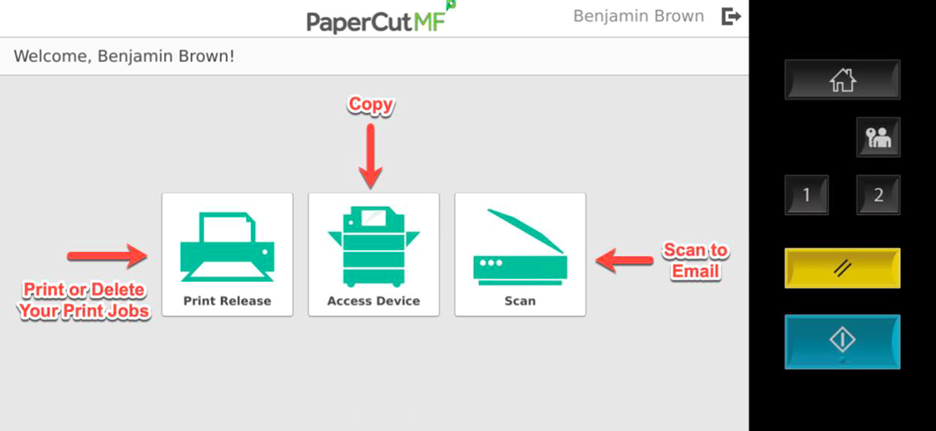
- Copy
- Scan - to Email, Fax, or Google Drive
The system will automatically log you off after 45 seconds of no activity. To manually log off, you can click the Log Off / Lock Screen or Clear Settings buttons (see image above), or click the log out icon next to your name in the top section of the touch screen (see image below).