Navigating to CoreFax/XMedius
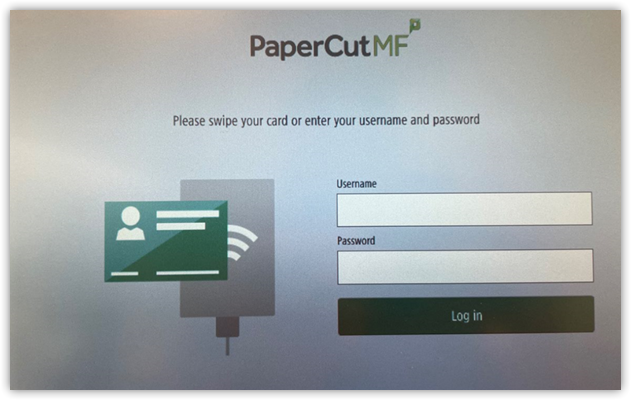
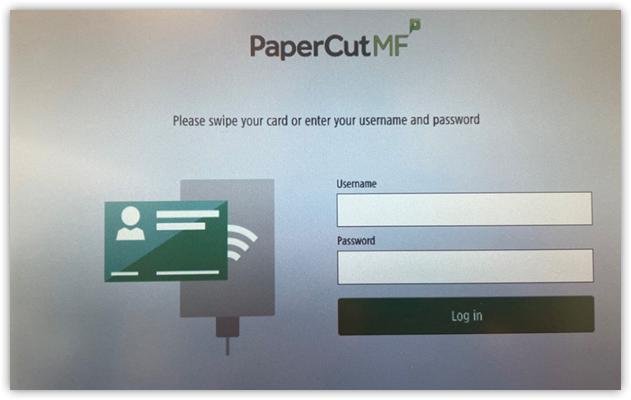
- Log into the print using your badge, account credentials, and/or your ID pin number.
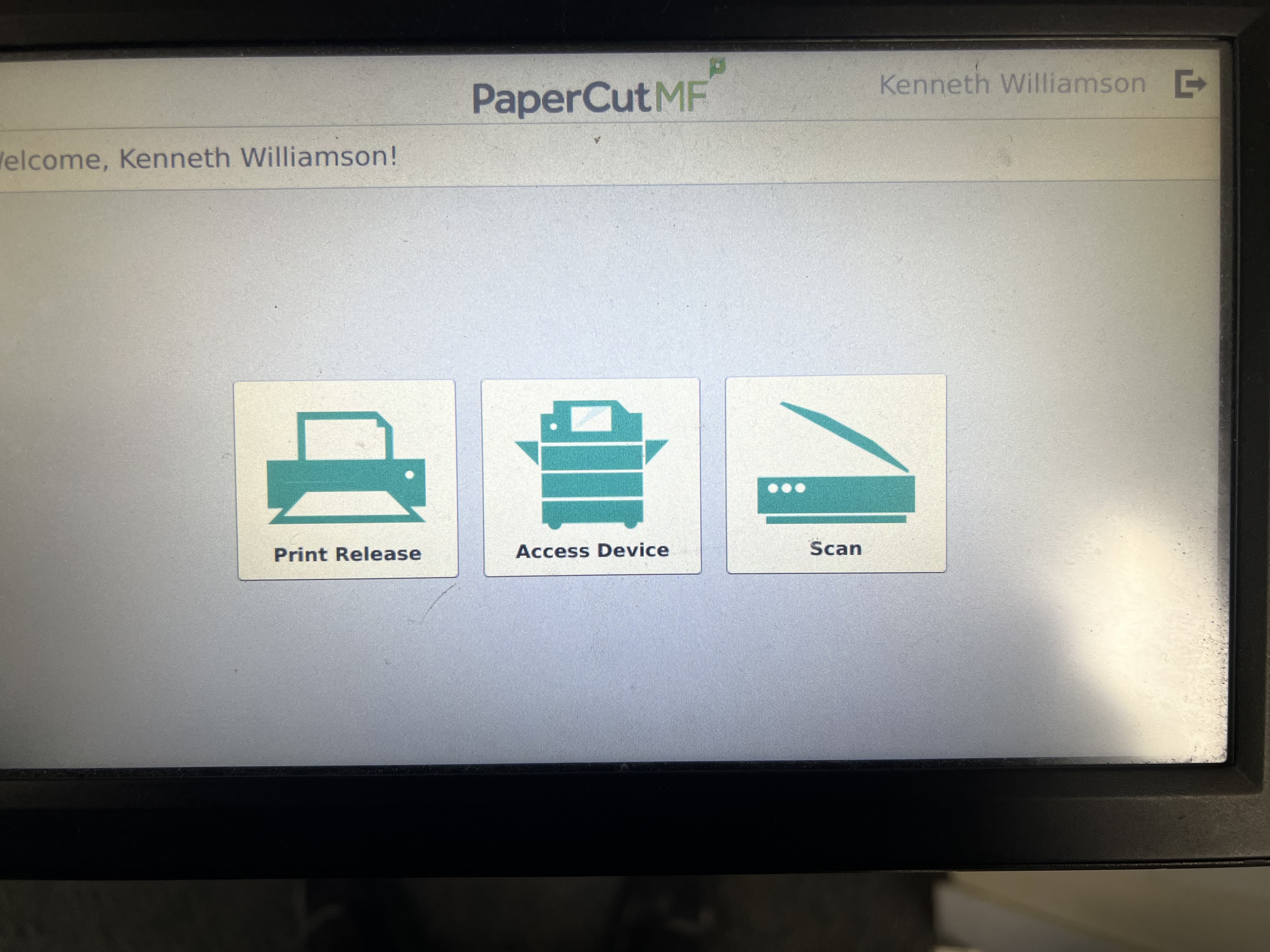
2. Click on "Access Device."
3. Click the "Home Icon" on the printer itself.
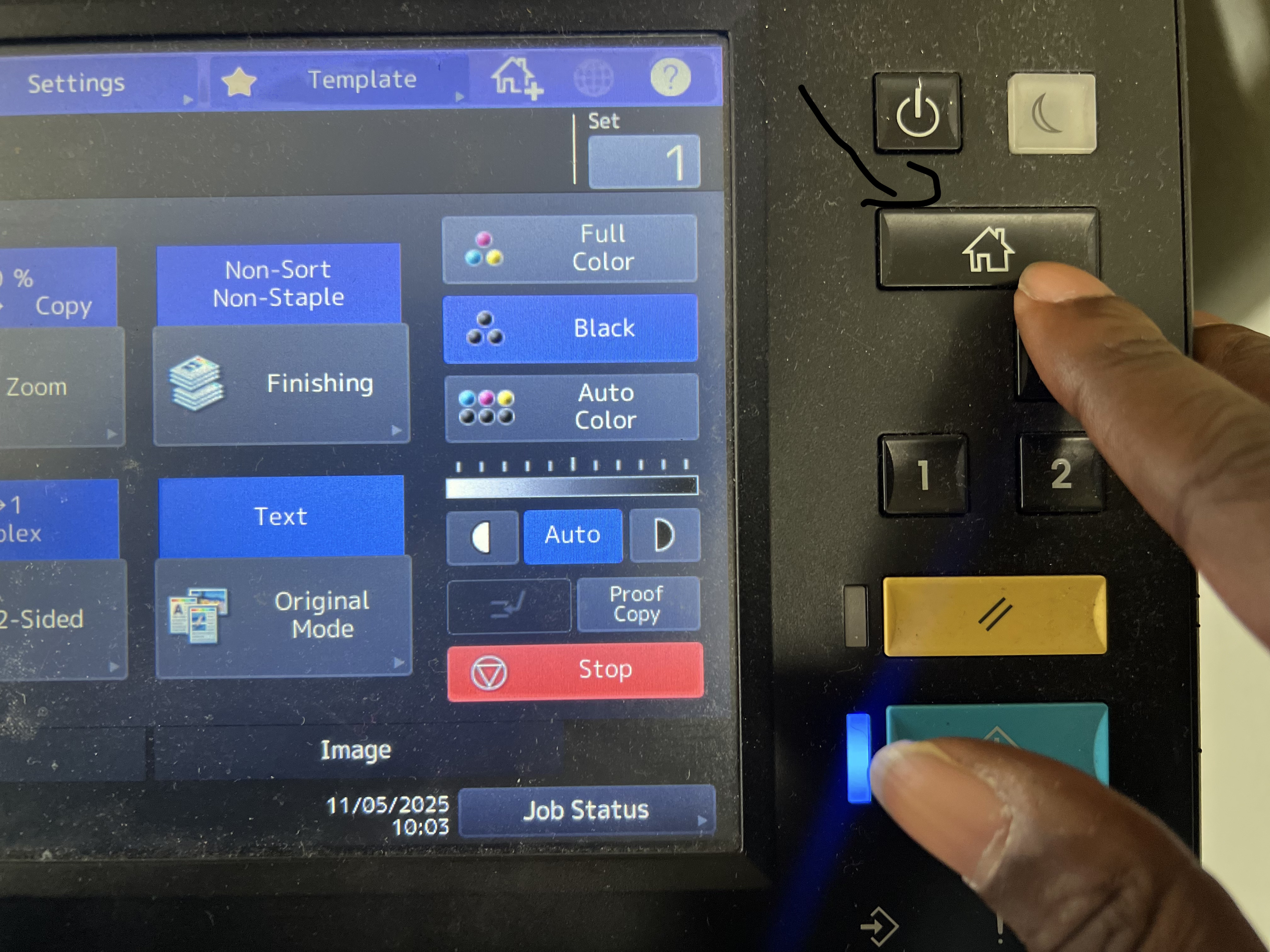
4. Click on "OT XMediusFax"
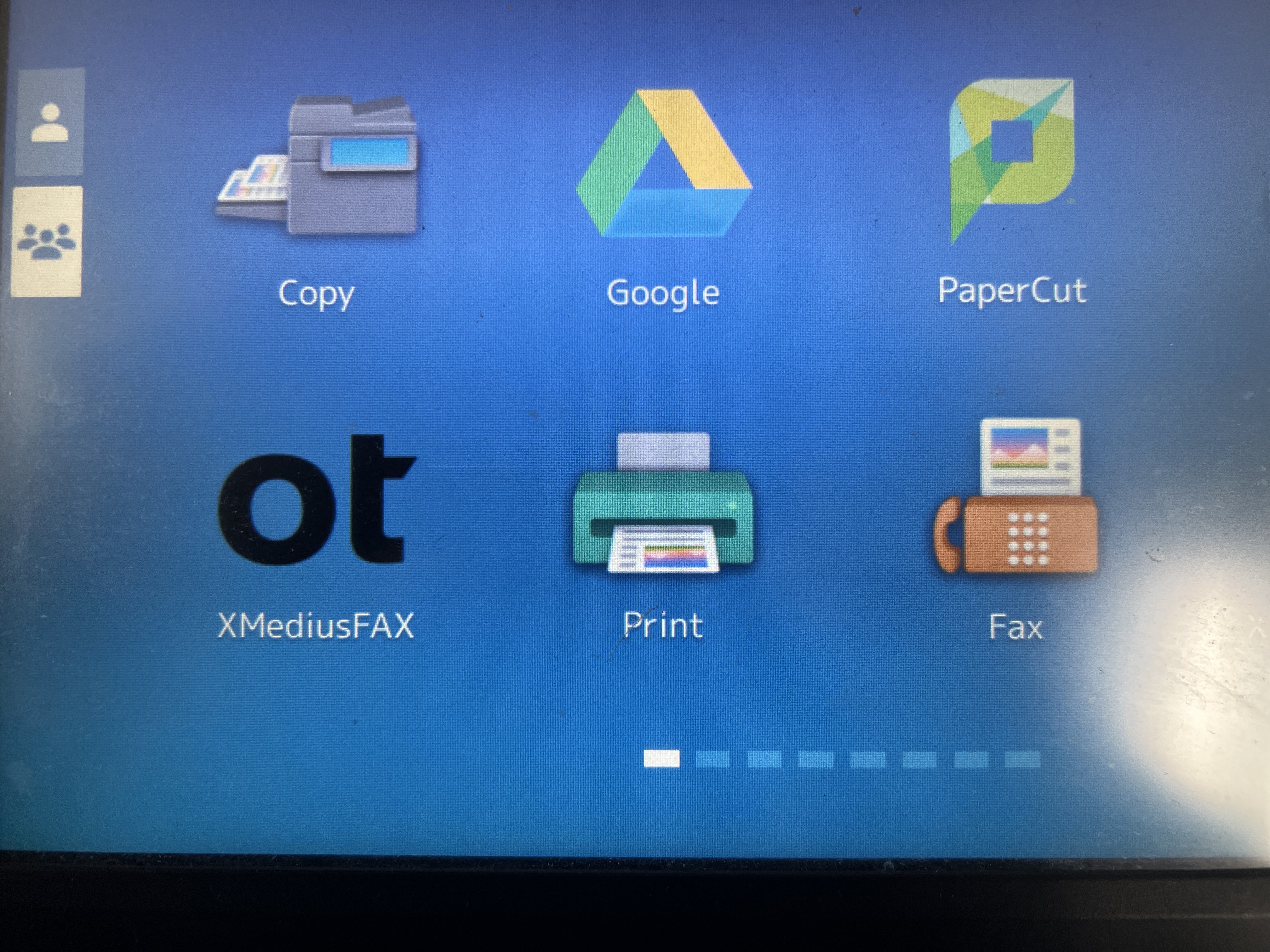
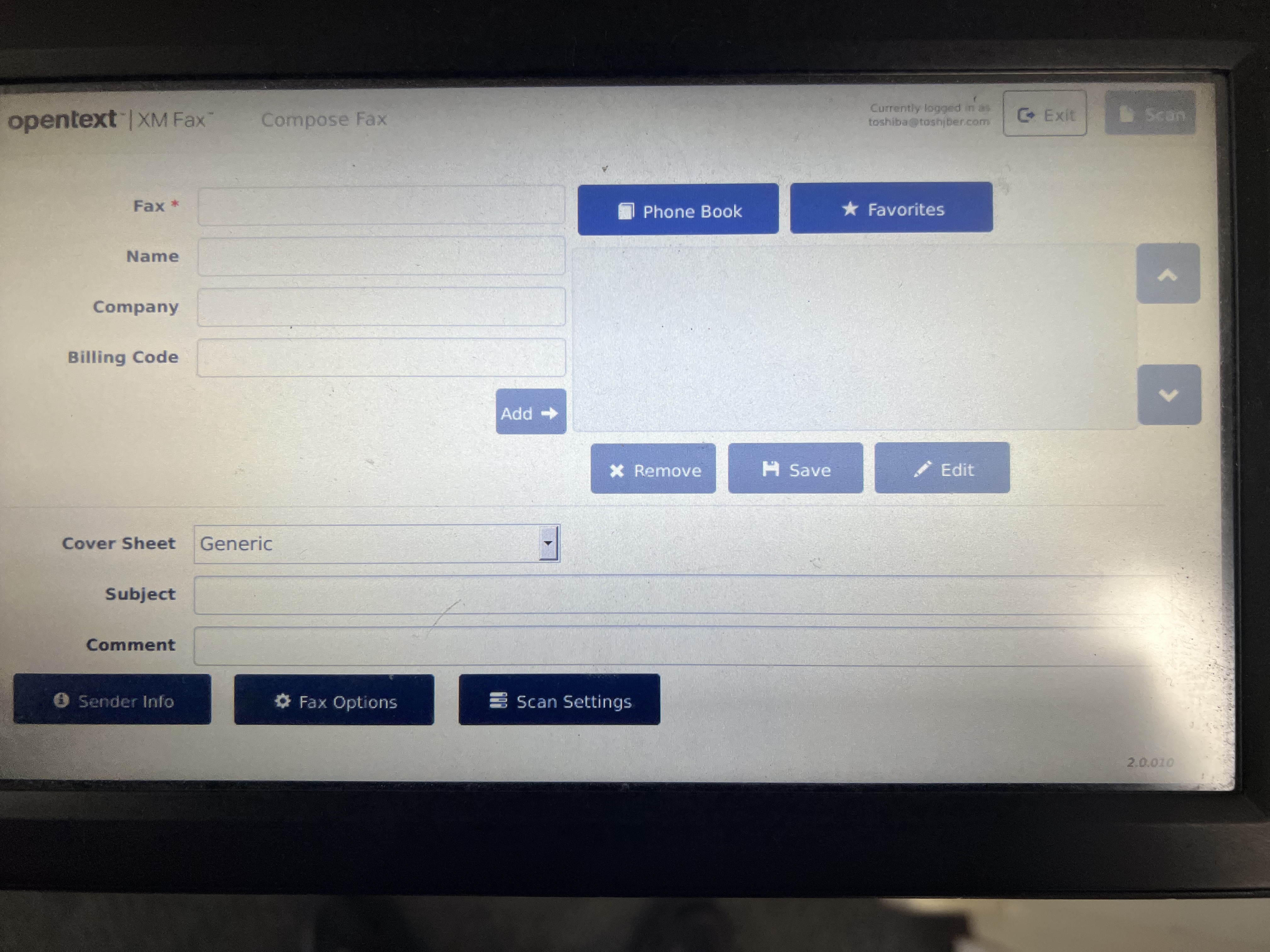
5. Once you are in OT XMediusFax the user screen will look like the image below. Where it says "Fax" that is where you can put the fax number in of the recipient you would like to send a fax too. Once you input the fax number the "Scan" button in the top right corner of the picture will enable.