
How to Make Copies
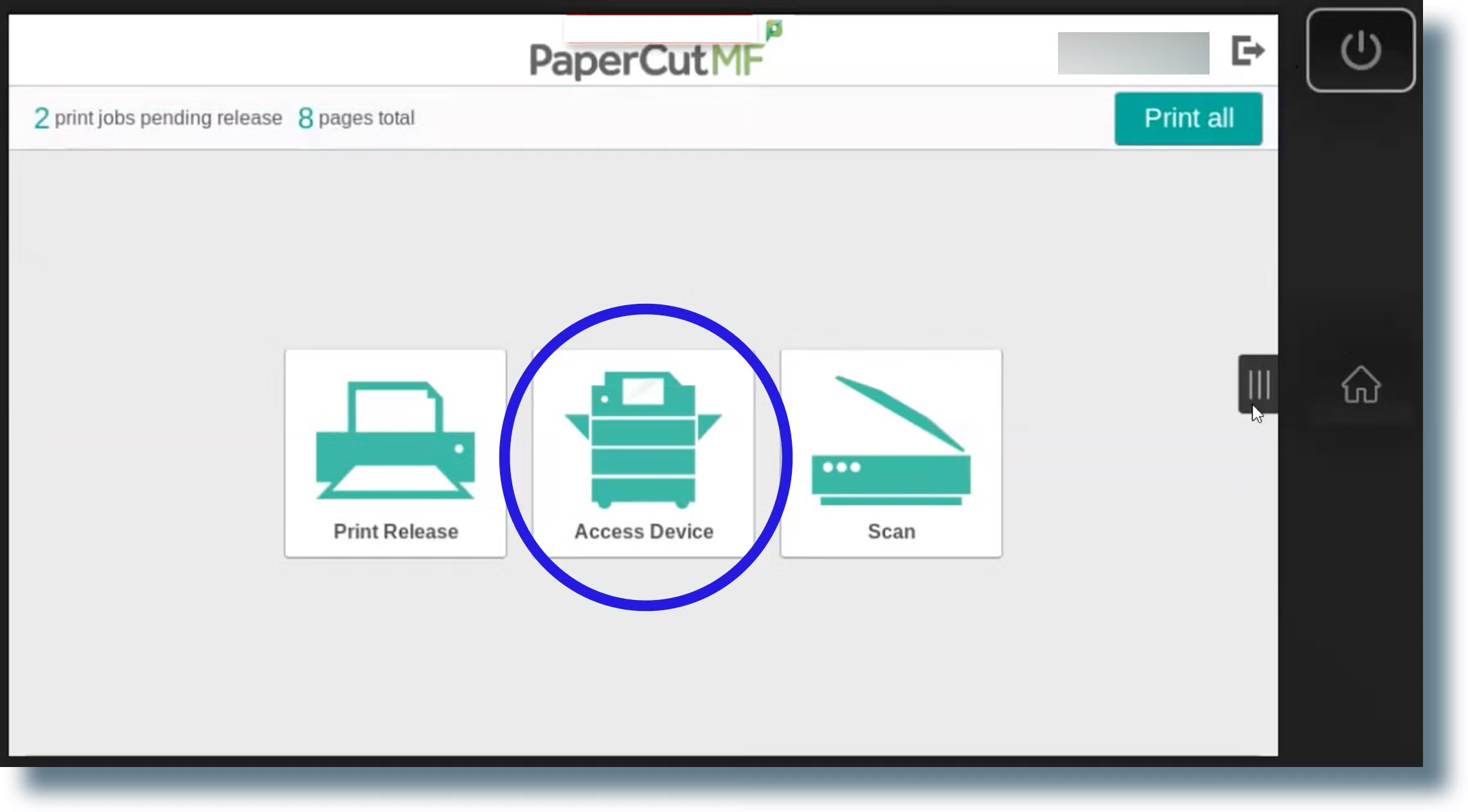
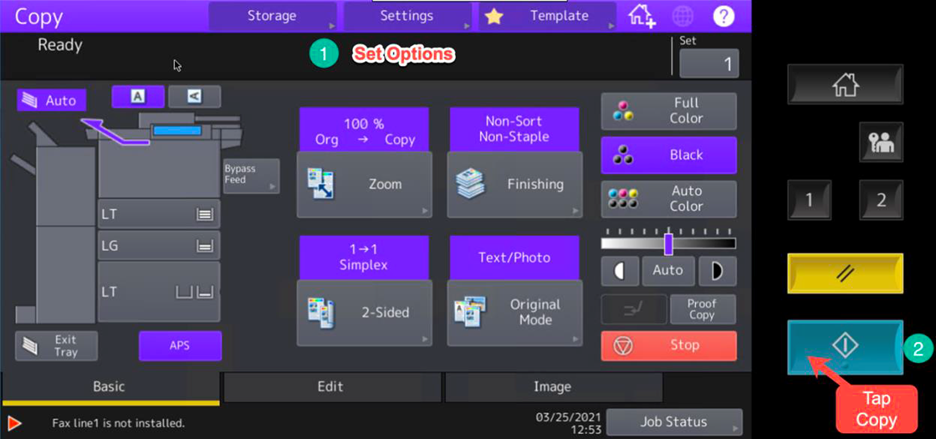
Login to an printer (see this page) and tap the Copy button. The screen will change to the MFP's (Multi Function Printer) copy interface, showing choices for 1 or 2-sided, B/W or Color, # of copies, etc. Tap the Copy physical button to start the copy, or you can tap the 1 button to go back (see example image below).
No comments to display
No comments to display